Muffled laptop speakers can have several causes, including dust buildup, outdated audio drivers, incorrect sound settings, or aging hardware.
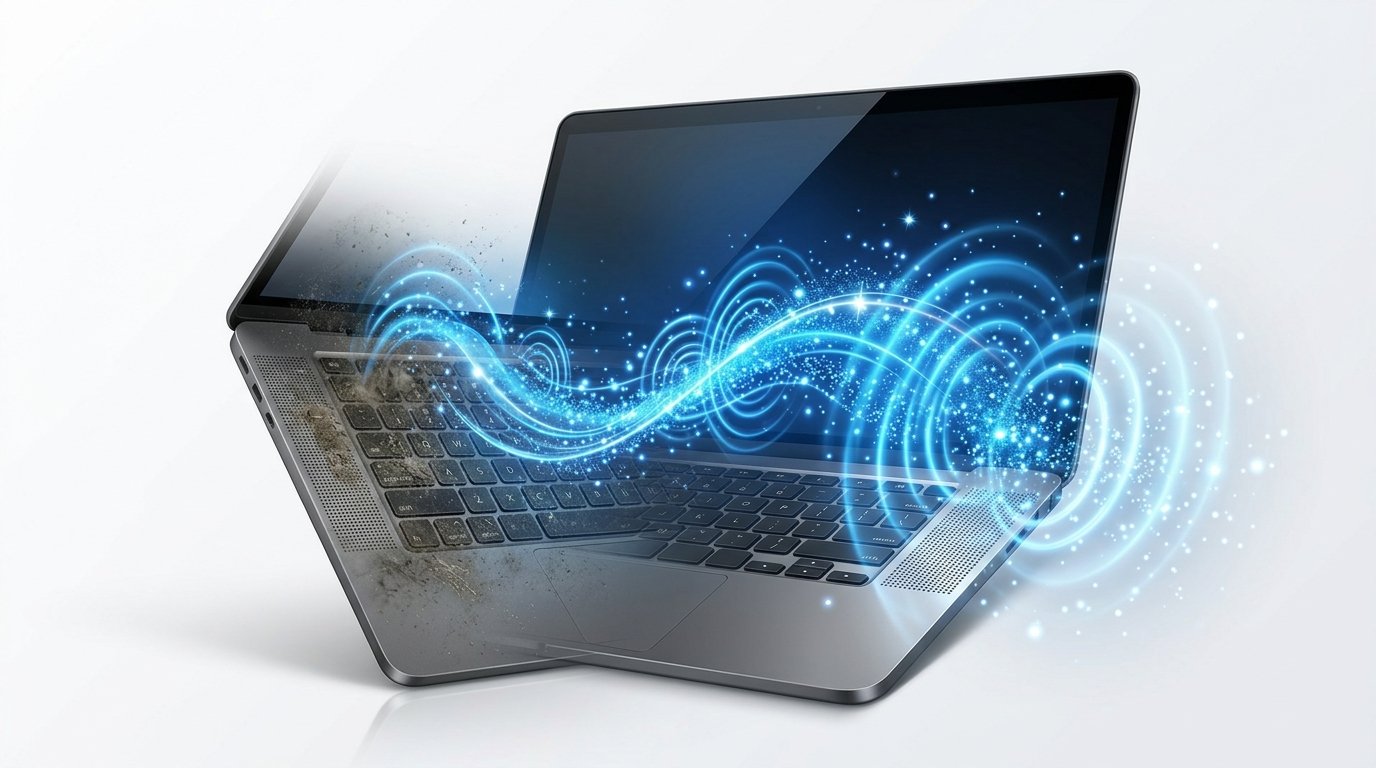
Dust is one of the most common reasons for reduced sound quality. Tiny particles block the speaker grills and interfere with sound projection.
An online laptop speaker cleaner generates audio frequencies designed to create small vibrations that may help loosen trapped dust. While it isn’t a replacement for hardware repair, it can improve sound in cases where dust is affecting performance.
If the issue continues after cleaning, update your audio drivers, restart your computer, and check your sound settings. Persistent problems could indicate speaker damage that requires professional service.
Regular cleaning and careful maintenance help keep your laptop speakers sounding clear and crisp.