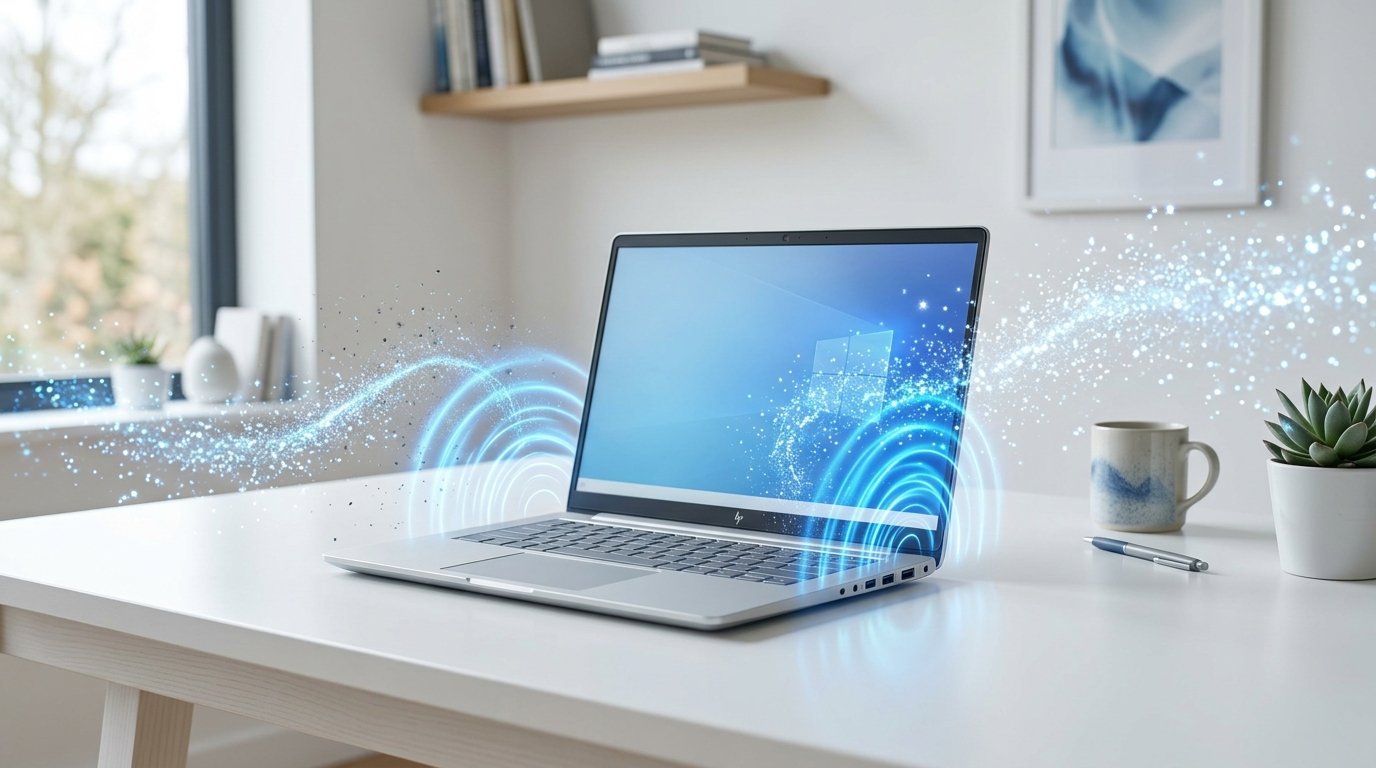
Dust, lint, and tiny debris can reduce your laptop’s speaker quality over time. Fortunately, you don’t need to open your device to improve its sound.
Start by powering off your laptop. Use a soft microfiber cloth to clean around the speaker grills. For stubborn dust, use a soft brush or compressed air, keeping the nozzle several inches away to avoid damaging internal components.
If your speakers still sound muffled, an online laptop speaker cleaner can help. These web-based tools play specially designed sound frequencies that create vibrations to loosen trapped dust from the speaker grills.
Avoid inserting sharp objects into the speaker holes, as this can permanently damage the speaker membrane.
Regular cleaning every few weeks helps maintain clearer audio for video calls, music, and movies. Combining physical cleaning with an online speaker cleaning tool is a simple way to keep your laptop sounding its best.