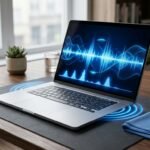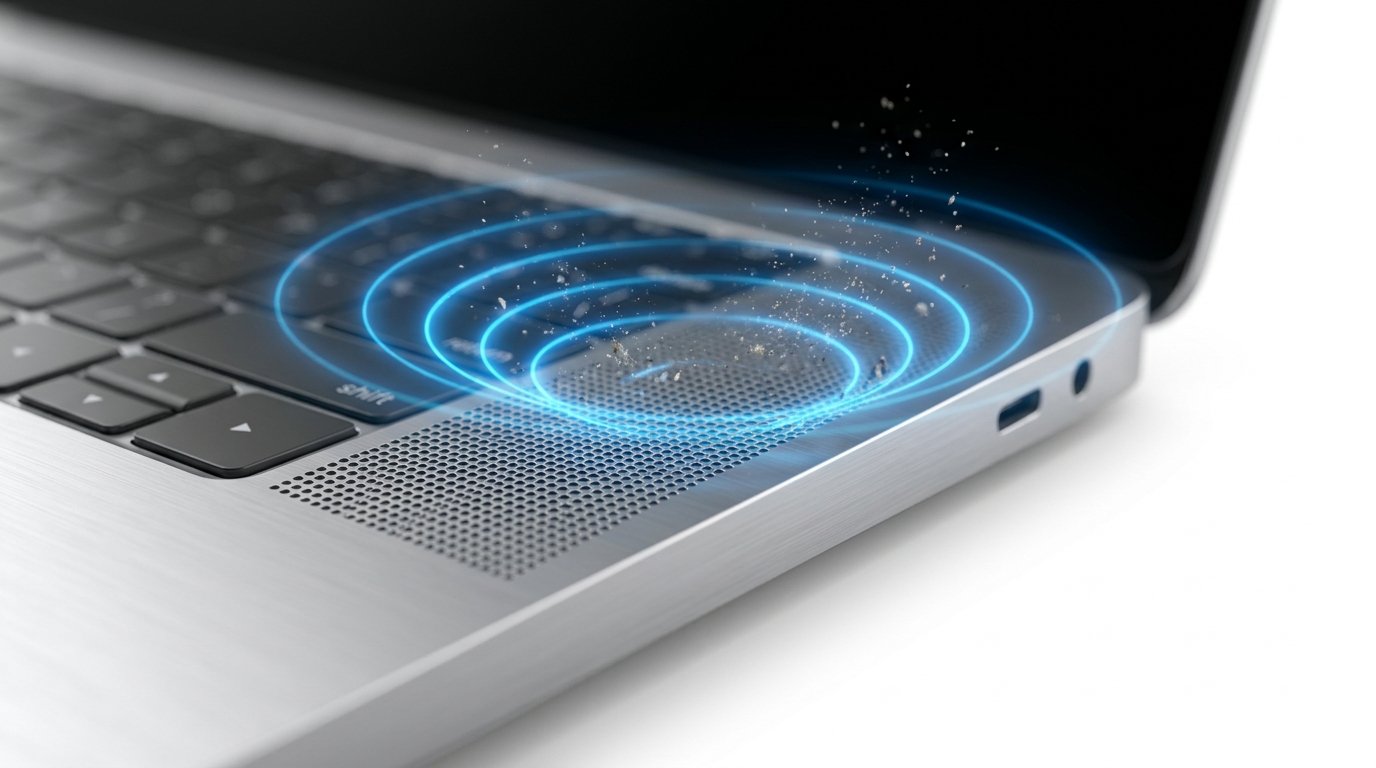
Laptop speakers collect dust over time, which may reduce sound clarity. While physical cleaning removes surface debris, online laptop speaker cleaners use carefully tuned audio frequencies to vibrate the speaker and help loosen fine particles.
These tools are easy to use and require no installation. Simply play the cleaning sound for a few minutes while keeping the laptop at a moderate volume.
Although online speaker cleaners cannot fix damaged hardware, they may improve audio when dust is the primary cause of muffled sound.
For the best results, combine speaker cleaning sounds with routine maintenance such as wiping the speaker grills and keeping your laptop away from dusty environments.
Regular care can help preserve better audio quality and extend the life of your laptop speakers.